
How to Track Booked Appointments in Google Analytics Using a GoHighLevel Workflow
When someone books an appointment with your business, that's a conversion. If Google Analytics doesn't know about it, you can't see which marketing is actually bringing in bookings.
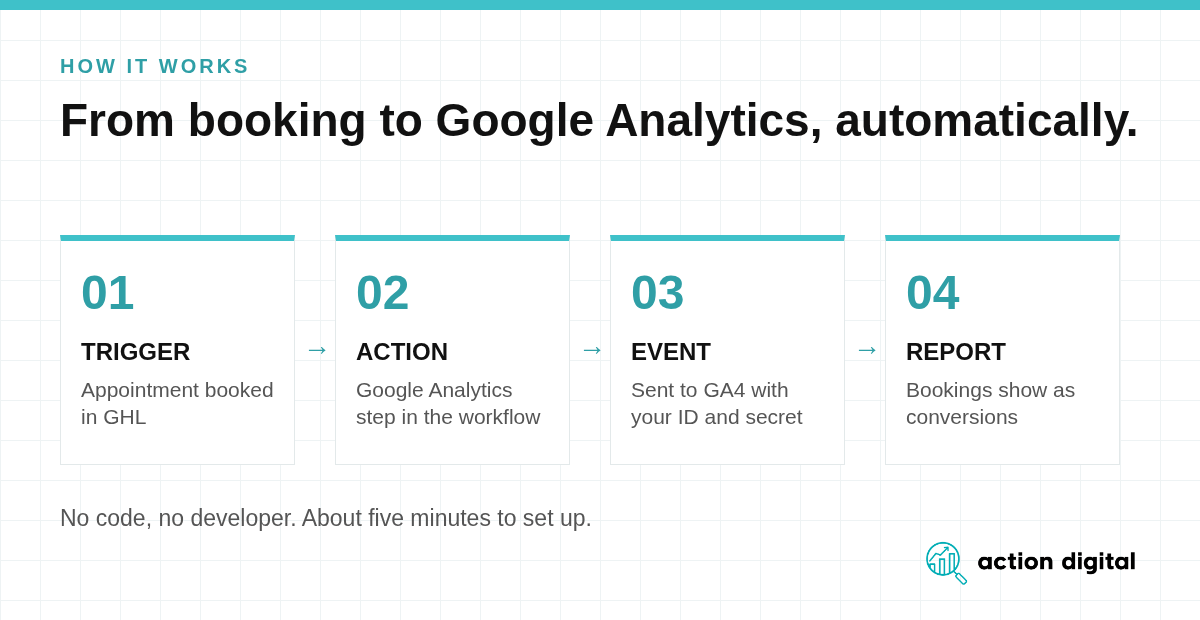
The good news is that GoHighLevel can send that booking straight to Google Analytics 4 (GA4) from inside a workflow. You don't need code or a developer, and it takes about five minutes.
Here's exactly how I set it up for our own Lead Leakage Assessment bookings.
Why track bookings as a GA4 event?
- See what's working. Connect bookings back to the traffic source, such as Google Ads, SEO or social.
- Count real conversions. A booked appointment is worth far more than a page view or a form fill.
- Make better ad decisions. Once GA4 has the event, you can use it as a conversion to judge your campaigns.
What you need
- A GoHighLevel workflow triggered when an appointment is booked
- Access to your GA4 property (Admin). If you haven't set up tracking on your website yet, start with our guide on how to set up Google Tag Manager.
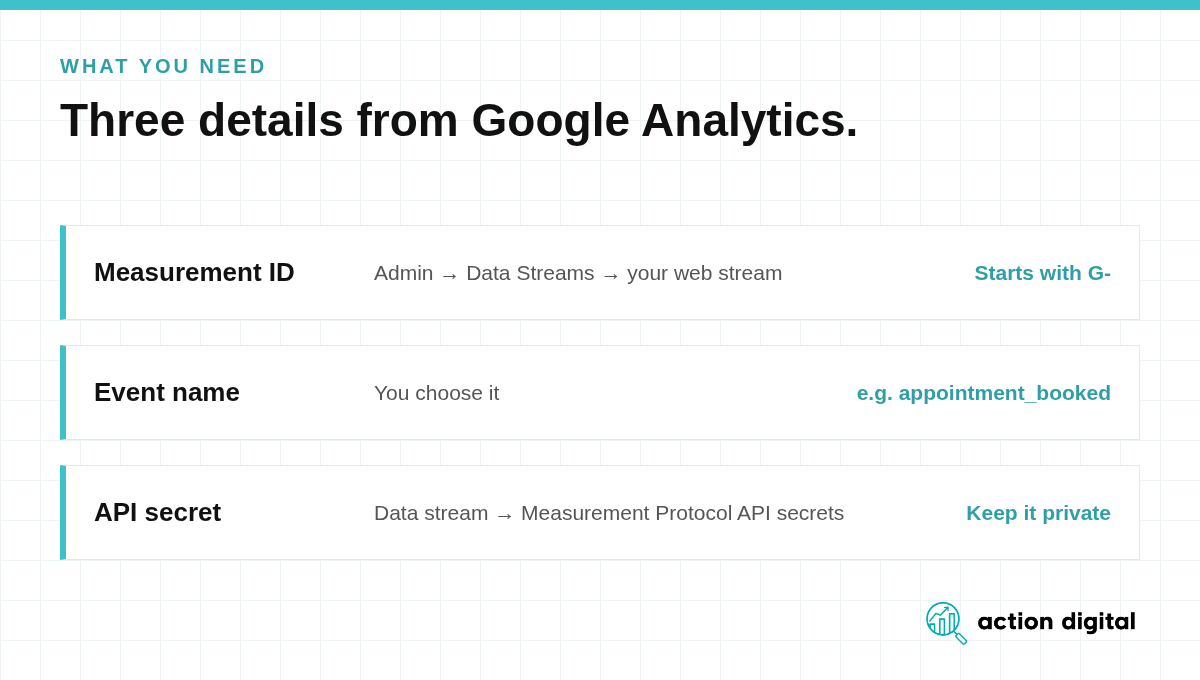
- Two details from GA4: your Measurement ID and an API secret
Step 1. Add the Google Analytics action in your workflow
- Open your appointment workflow in GoHighLevel.
- Click Add Action where you want the event to fire. I put it first, straight after the trigger.
- Type Google Analytics and select the action.
Step 2. Copy your Measurement ID from GA4
- In Google Analytics, check you're in the correct account and property.
- Click the Admin gear icon in the bottom left.
- Go to Data Streams and select your website's data stream.
- Copy the Measurement ID (it starts with G-).
- Paste it into the Measurement ID field in your GoHighLevel action.
Step 3. Name your event
Give the event a clear name that describes what happened. I used lead_leakage_assessment_booked. Pick something you'll recognise in your reports later, such as appointment_booked or quote_booked.
Step 4. Create your API secret
- Back in the same data stream in GA4, scroll down to Measurement Protocol API secrets.
- If you don't have one yet, review and acknowledge the terms. The Create button will then appear.
- Give it a name (I used Lead Leakage Assessment Booked) and click Create.
- Copy the secret value GA4 generates and paste it into the API Secret field in GoHighLevel. Check there are no spaces before or after it.
Keep this secret private. Don't share it in screenshots or emails.
Step 5. Event value (optional)
You can give each booking a dollar value. I've left mine blank for now. You can always come back and add one later, for example your average job value.
Step 6. Save and test
- Click Save Action, then save and publish the workflow.
- Book a test appointment to check the action runs.
- Allow 24 to 48 hours for the event to appear in your standard GA4 reports.
That's it. Now every time someone books, the workflow fires and the first thing it does is tell Google Analytics a conversion has happened.
What's next
The same idea works for Meta, so you can send a booking event to Facebook as well. I'll cover that in the next post.
Tracking is one part of stopping lead leakage, alongside the 3 systems that stop you losing leads. If you want to know where your business is losing enquiries, book a time with me for a free Lead Leakage Assessment.


