
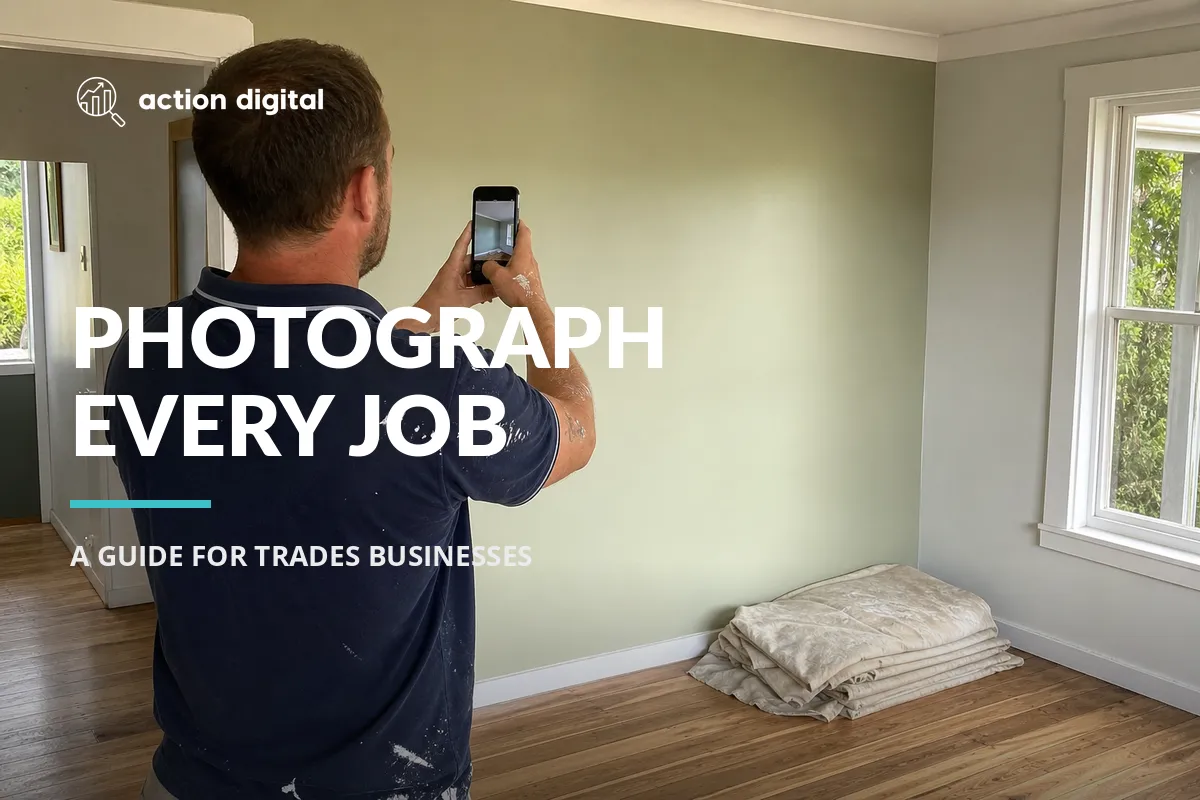
Your Phone Is the Cheapest Marketing Tool on the Van
Ask most painters, plumbers or electricians how their marketing is going and you will hear about a website, maybe some Google Ads, maybe a mate's cousin who "does the socials". Ask them for ten good photos of their recent work and the room goes quiet.
That is the gap. Trades businesses produce visible, physical, genuinely impressive results every single day, and then walk away without recording any of it. Meanwhile the accountant down the road, who has nothing photogenic to show at all, is posting three times a week.
You already own the best marketing tool in the business. It is in your pocket, and it takes about ninety seconds a day to use properly.
Why photos of your own jobs beat anything else you can post
Three reasons, and none of them are about being an influencer.
It is proof, not a claim. Anyone can write "quality workmanship, fully licensed". A photo of a cut-in line that is dead straight, or a switchboard that has gone from spaghetti to sorted, does the arguing for you. When someone is choosing between three quotes, the business they can actually see the work of has an advantage the other two cannot buy.
It is content nobody else has. Stock photos and reposted tips are everywhere. Your Tuesday in Ringwood is unique to you, it is local, and it names a suburb naturally.
It feeds more than one channel. One job well photographed becomes a Facebook and Instagram post, a Google Business Profile photo, a project on your website, an item in a quote pack, and eventually a case study. You shoot once and use it five times.
Worth being honest about one thing here: you will see claims that adding photos gets you "520% more calls" or similar. Those figures come from third-party datasets showing correlation, not causation. Businesses that upload a lot of photos are usually the ones actively managing everything else too. Google's own Business Profile guidance confirms only three ranking factors: relevance, distance and prominence. Photos help you look credible and get chosen, which matters enormously. They are not a magic ranking button, and we are not going to pretend otherwise.

The before, during, after habit
The single biggest reason tradies have no photos is that the moment passes. You cannot photograph a "before" once the job is done.
So make it mechanical. Three shots, every job, no thinking required:
Before. Take it the second you arrive, before you unload a thing. Wide, showing the whole area. This is the shot that makes the "after" worth looking at, and it is the one everybody forgets.
During. One shot mid-job. A hand doing the work, a tool in use, the mess of the actual process. This is the shot that proves it is really you and not something pulled off the internet.
After. Same angle, same framing, same rough time of day as the "before". The matching angle is what makes the pair land. A different angle reads as two unrelated photos.
Three photos. Under two minutes across a whole day. If you only ever adopt one thing from this article, make it this.

How to actually take a decent photo on a phone
You do not need a camera, a course or an editing app. You need five habits.
Clean up the frame first. Move the drop sheets, the coffee cup, the extension lead. Ninety percent of bad trade photos are good work surrounded by clutter. Ten seconds of tidying does more than any filter.
Shoot with the light, not into it. Stand with the window or the sun behind you. Shooting toward a bright window turns your subject into a silhouette. Indoors, turn the room lights on as well.
Get closer than feels natural. Then take a wider one too. The close shot shows craftsmanship, the wide shot shows context. Take both, choose later.
Hold the phone level and straight on. Walls and door frames should be vertical in the frame. Most phones will show a grid overlay if you turn it on in the camera settings, and it is worth turning on.
Shoot more than you need. Five or six versions of the same shot costs you nothing and means you actually have one you like.
Two things to avoid, and they matter: do not zoom with your fingers, walk closer instead, because digital zoom just crops and softens the image. And skip the heavy filters. Trades photography works when it looks real.

Get permission, and get it early
This is the part that gets skipped, and it is the one that can genuinely bite.
Ask the customer at quote stage, not on the way out the door. Something as simple as: "We often photograph our work for our website and socials. Happy for us to take some shots? We never show your address or anything identifying." Almost everyone says yes when it is asked up front and framed as pride in the work.
Then respect the boundaries: no house numbers, no street signs, no cars with plates visible, nothing personal in the shot, and never a photo of the inside of an empty home you have keys to. For commercial jobs, check whether the client has a policy before posting, especially in schools, healthcare and body corporate work.
If you get a no, that is fine. Photograph the detail, not the property.
Turning photos into posts people actually stop for
A photo on its own is not a post. The caption is what turns it into marketing.
The format that works for trades is simple:
- What the problem was. One line. "This ceiling had two winters of water damage through it."
- What you did. Two or three lines, plain language, no jargon.
- Why it matters to the reader. The bit that helps someone who has not called yet. "If you can see staining, the leak is usually well past the spot you can see."
- A light call to action. Not "CALL NOW!!". Something like "Happy to take a look if yours is doing the same."
Name the suburb naturally in the copy. "A repaint in Kew" reads fine and it tells both people and Google where you work. Do not stuff it, one mention is plenty.
Formats worth using, in rough order of effort:
- Before and after side by side. The workhorse. Never stops working.
- A carousel of one job. Four to six photos taking people through it. Good on Instagram, great in a quote pack.
- A short vertical video. Fifteen to thirty seconds, phone held upright, a couple of sentences of you explaining what you are doing. This outperforms stills on Instagram and Facebook by a wide margin right now, and almost no local trades business is doing it.
- A detail shot with a tip. No before and after needed. One good close-up plus something you know that customers do not.
Aim for two posts a week and keep it consistent. Consistency beats volume every time, and a three month gap costs you more than a quiet week ever will.
Do not forget your Google Business Profile
Your social feed reaches people who already follow you. Your Google Business Profile reaches people searching for your trade right now, and it is starved of photos in almost every trades listing we look at.
Upload the good ones there too. Google explicitly encourages photos and videos on your profile and they show up in your listing, in the Map Pack panel and in image results. Same photos, no extra work, a different and much higher-intent audience.
The same applies to your website. A proper gallery or project page turns a brochure site into evidence, and it gives your Google Ads traffic something to be convinced by when it lands.
The system, in one place
Here is the whole thing:
- Ask permission at quote stage, every time.
- Before, during, after. Same angle for the before and after.
- Clean the frame, light behind you, phone level, take extras.
- Once a week, pick the best job and write four lines about it.
- Post it to Facebook and Instagram, upload the photos to Google Business Profile, and drop the best pair into your website gallery.
- Repeat.
That is fifteen minutes a week and the raw material was going to happen anyway. The only real cost is remembering to take the "before".
If you would rather hand the second half of that over, turning the photos into posts, profiles and pages that bring the work in, that is what we do. Take the photos. We will do the rest.


